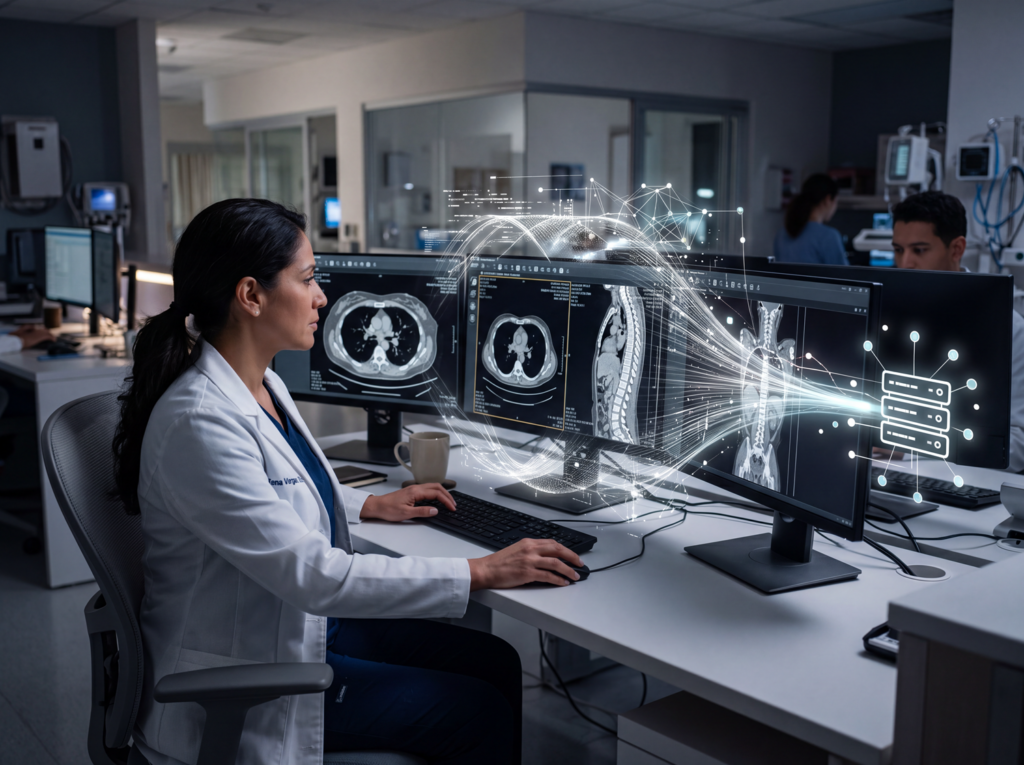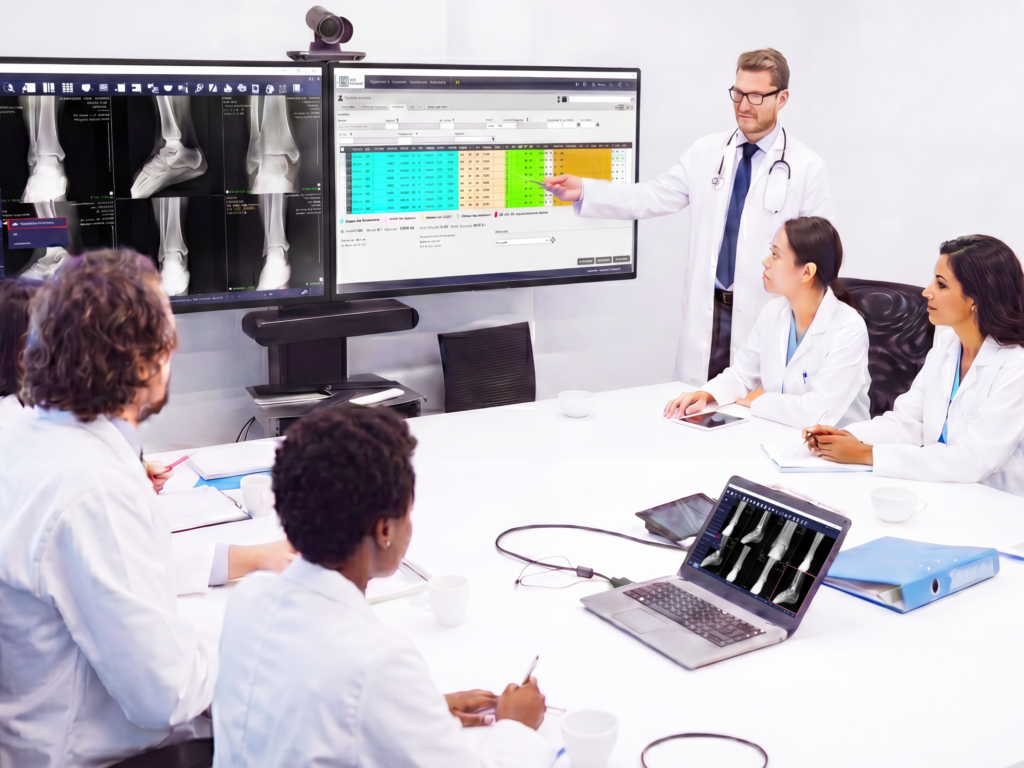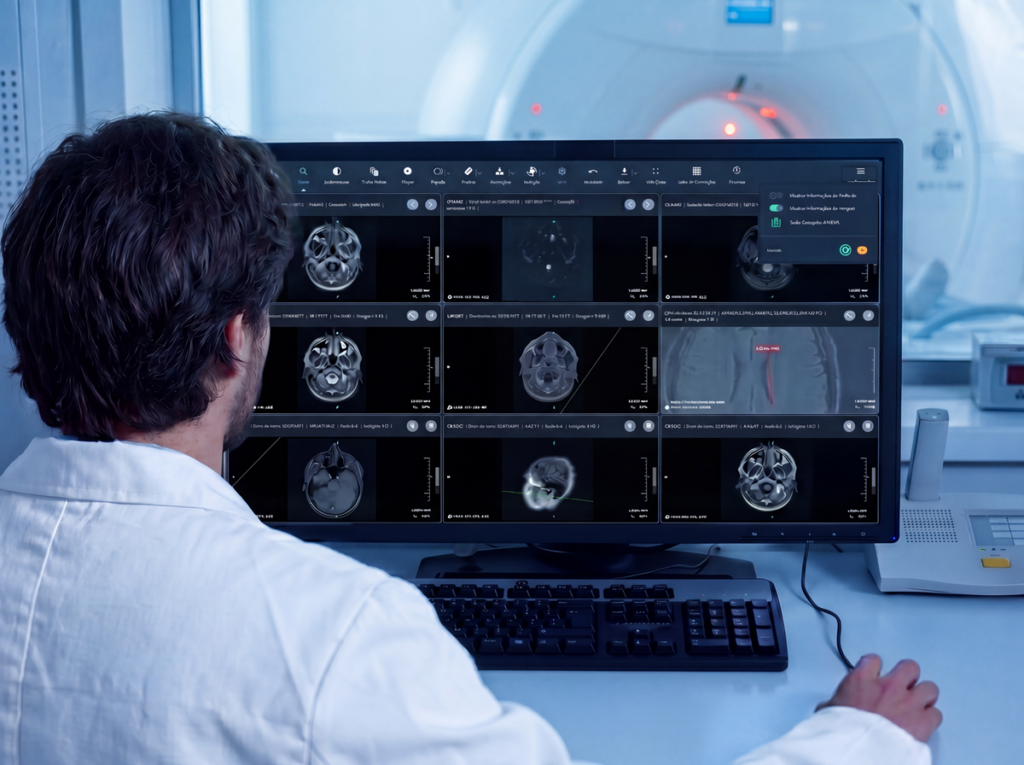



Aurora Drive is a complementary Pixeon solution designed for storing DICOM images in the cloud. Its function is to help hospitals, clinics, and diagnostic centers manage their medical image history with greater scalability, security, and less dependence on local infrastructure.
Medical Image Growth Requires a New Storage Approach
In radiology, every exam generates valuable clinical information. An X-ray, a CT scan, an MRI, or a mammogram is not just a digital file: it is part of the patient’s medical history and may be necessary for comparing exams, reviewing previous records, and supporting diagnostic decisions.
Therefore, as an institution grows, the volume of images it must store, organize, and keep available also increases.
For years, many institutions addressed this need through local infrastructure. However, when exam volume grows, this model can begin to create new challenges: a greater need for servers, more maintenance, infrastructure costs, technical administration, and less flexibility to support the evolution of the service.
In this context, storing DICOM images in the cloud becomes an increasingly relevant alternative for institutions seeking a simpler, more scalable radiology operation that is prepared to grow.
What Does It Mean to Store DICOM Images in the Cloud?
DICOM is the standard used to store, transmit, and manage medical images in diagnostic imaging environments. In practice, it allows exams generated by different modalities, such as CT, MRI, X-ray, mammography, or ultrasound, to be managed within specialized radiology systems.
Storing DICOM images in the cloud means moving that exam history to an environment prepared to support the growth of image volume, without relying solely on local physical infrastructure.
This does not mean that the cloud replaces the entire radiology operation. Nor does it mean that, by itself, it is a backup or contingency recovery strategy. Its main value lies in enabling more flexible and scalable management of medical image storage.
Where Does Aurora Drive Fit In?
Aurora Drive was developed as a complementary Pixeon solution for storing DICOM images in the cloud.
Its objective is to help healthcare institutions manage their medical image history in a simpler and more efficient way, supporting the growth of the radiology service and reducing dependence on local infrastructure.
Aurora Drive does not replace the PACS. It complements it.
While Pixeon Aurora PACS enables medical images to be managed, viewed, stored, distributed, and used within the radiology workflow, Aurora Drive adds a cloud storage layer designed to support the growth of the exam history.
In this way, the institution can move toward a more connected operation, where image management, report production, and history storage work within the same system-oriented vision.
Aurora Drive within the Pixeon Ecosystem
An efficient radiology operation does not depend on a single tool. It depends on the connection between different solutions that support each stage of the workflow: image, report, storage, visualization, distribution, and delivery.
Within the Pixeon ecosystem, each solution fulfills a specific function:
| Solution | Function within the radiology operation |
| Pixeon Aurora PACS | Enables medical images to be managed, viewed, and distributed within the radiology workflow. |
| Reporting Center | Helps centralize the production, review, management, and delivery of radiology reports. |
| Aurora Drive | Enables DICOM images to be stored in the cloud to support the growth of the exam history. |
| Web Viewer | Facilitates digital access to exams, reducing the need for physical exam distribution. |
| Complementary solutions | Expand the radiology operation with digitization, visualization, storage, or printing resources, according to each institution’s needs. |
This integration makes it possible to think of radiology not as a set of isolated tools, but as a more connected, scalable system prepared to respond to new demands.
Benefits of Aurora Drive for Medical Image Management
1. Cloud Storage for the Medical Image History
One of Aurora Drive’s main contributions is enabling the DICOM image history to be stored in the cloud.
This is especially important for institutions that need to preserve previous exams, facilitate comparison with new images, and support more organized management of the patient’s radiology history.
In radiology, storing images does not only mean saving files. It means preserving clinical information that may be necessary for diagnostic continuity.
2. Reduced Dependence on Local Infrastructure
When an institution depends exclusively on local infrastructure, service growth may require new investments in servers, maintenance, technical administration, and physical expansions.
Aurora Drive helps reduce that pressure by offering a cloud storage alternative for DICOM images.
This allows the institution to plan the growth of its image history with greater flexibility, without relying solely on the constant expansion of its own infrastructure.
3. Greater Scalability to Support Growth
Scalability is a key point in radiology. An institution may begin with a certain exam volume, but that volume can increase due to new sites, more patients, the addition of modalities, extended operating hours, or greater care demand.
When storage does not keep pace with this growth, it can become an operational limitation.
Aurora Drive adds a cloud storage layer designed to support that evolution, helping ensure that growth in image volume does not depend exclusively on locally installed capacity.
4. Security in Image Storage
Medical images are part of sensitive information. For this reason, their storage requires security, organization, and control criteria.
Aurora Drive provides a solution focused on secure storage of DICOM images in the cloud, within Pixeon’s ecosystem of radiology solutions.
For a healthcare institution, this means being able to manage the image history with a logic that is better prepared for growth and with greater control over a critical part of the radiology operation.
Aurora Drive Is Not a PACS: It Complements It
A common question when discussing cloud storage is whether a solution such as Aurora Drive replaces the PACS. The answer is no.
The PACS fulfills a central function in the radiology operation: it enables medical images to be managed, viewed, distributed, and used. Aurora Drive, in contrast, is designed for storing DICOM images in the cloud.
Therefore, its value becomes clear when it is understood as a complementary solution within a broader operation. To properly evaluate this type of technology, it is also important to understand how to choose a PACS for radiology and which criteria an institution should consider before modernizing its operation.
| Need | Related solution |
| Manage and view medical images | Pixeon Aurora PACS |
| Create, review, and deliver radiology reports | Reporting Center |
| Store DICOM images in the cloud | Aurora Drive |
| Facilitate digital access to exams | Web Viewer |
When these solutions work in a connected way, the institution can reduce friction, improve access to the history, and build a more efficient radiology operation.
Cloud Storage Does Not Automatically Mean Backup or Disaster Recovery
This point is essential.
Storing images in the cloud does not automatically mean having a Backup solution. Nor does it, by itself, mean having a Disaster Recovery strategy.
These are different concepts.
Cloud storage makes it possible to preserve images in an environment prepared for greater flexibility and scalability. Backup involves specific policies for copying, safeguarding, and recovering information. Disaster Recovery, in turn, requires a technical strategy to restore the operation in the event of critical incidents.
For this reason, when evaluating or communicating a cloud storage solution, it is important to clearly differentiate these concepts.
Aurora Drive should be understood as a solution for storing DICOM images in the cloud. Any statement related to Backup or Disaster Recovery should be technically validated according to the contracted scope, the implemented configuration, and the policies defined by the institution.
Which Institutions Can Benefit from Aurora Drive?
Aurora Drive can be especially useful for institutions that need to manage large volumes of medical images or seek to reduce dependence on local infrastructure.
These include:
- Hospitals;
- Clinics;
- Diagnostic imaging centers;
- Healthcare networks with more than one site;
- Institutions that need to preserve radiology history;
- Radiology services that are growing;
- Organizations seeking to complement their PACS with DICOM cloud storage.
In all cases, the underlying need is similar: to store medical images in a more scalable and secure way, prepared to support the evolution of the service.
When Should an Institution Evaluate DICOM Cloud Storage?
An institution may begin evaluating DICOM cloud storage when it identifies signs such as the following:
- medical image volume grows steadily;
- local infrastructure begins to require frequent expansions;
- storage becomes more costly or complex to manage;
- the image history needs to be preserved in a more organized way;
- the radiology service seeks greater scalability;
- the institution needs to complement its PACS with a more flexible storage strategy;
- there are multiple sites or greater demand for access to the exam history.
These signs indicate that storage should no longer be seen merely as a technical need, but as part of the operational strategy of the radiology service.
From Storing Images to Managing the Radiology History
Modern radiology does not only need to store more exams. It needs to manage the medical image history more effectively.
That difference is important.
Storing images means preserving files. Managing the radiology history means keeping information organized, available, and connected to the institution’s workflow.
In this sense, Aurora Drive can complement a broader operation in which the PACS, the Reporting Center, and teleradiology with remote reporting work within the same operational logic.
Aurora Drive supports this evolution by offering DICOM image storage in the cloud within Pixeon’s ecosystem of solutions.
In this way, the institution can move toward an operation that is better prepared to grow, reduce dependence on local infrastructure, and sustain more efficient management of its medical images.
Conclusion
Aurora Drive responds to an increasingly relevant need in radiology: storing DICOM images in the cloud to support the growth of the exam history.
As a complementary Pixeon solution, it helps reduce dependence on local infrastructure, provide greater scalability, and strengthen the management of medical image storage.
Its value does not lie in replacing the PACS, but in complementing it. Together with Pixeon Aurora PACS and the Reporting Center, Aurora Drive makes it possible to build a more connected, flexible radiology operation prepared to respond to new demands.
Frequently Asked Questions about Aurora Drive
What is Aurora Drive?
Aurora Drive is a complementary Pixeon solution designed for storing DICOM images in the cloud.
What is Aurora Drive used for?
Aurora Drive is used to store the medical image history in the cloud, helping hospitals, clinics, and diagnostic centers manage their exams with greater scalability and less dependence on local infrastructure.
Does Aurora Drive replace the PACS?
No. Aurora Drive does not replace the PACS. It complements it with a cloud storage layer for DICOM images.
What type of images does Aurora Drive store?
Aurora Drive is designed to store DICOM images, the standard used for medical images in diagnostic imaging.
Does Aurora Drive help reduce infrastructure costs?
Yes. Aurora Drive can help reduce dependence on local storage infrastructure, which can contribute to more flexible management of technological resources.
Does Aurora Drive enable greater scalability?
Yes. As it is designed for storing DICOM images in the cloud, Aurora Drive helps support the growth of exam volume in a more scalable way.
Is storing images in the cloud the same as having Backup?
Not necessarily. Cloud storage and Backup are different concepts. Backup requires specific policies for copying, safeguarding, and recovering information.
Is Aurora Drive a Disaster Recovery solution?
Aurora Drive should be communicated as a solution for storing DICOM images in the cloud. Any statement related to Disaster Recovery should be technically validated according to the scope and configuration of the solution.
Which institutions can use Aurora Drive?
Aurora Drive can be useful for hospitals, clinics, diagnostic imaging centers, and healthcare networks that need to store medical images in the cloud and support the growth of their radiology operation.
How does Aurora Drive relate to Pixeon Aurora PACS and the Reporting Center?
Pixeon Aurora PACS enables medical images to be managed and viewed; the Reporting Center helps produce, review, and deliver radiology reports; and Aurora Drive complements this ecosystem with DICOM image storage in the cloud.
Where can I learn more about PACS, Reporting Center and teleradiology?
You can explore these topics further in:
- What is a PACS in radiology
- How to choose a PACS for radiology
- What is a radiology Reporting Center
- Teleradiology and remote reports with Reporting Center
- The difference between buying software and adopting a radiology system
About Pixeon
Pixeon is the company with the largest software portfolio for the healthcare market.
Our solutions serve hospitals, clinics, laboratories, and diagnostic imaging centers, covering both management (HIS, CIS, RIS, and LIS) and diagnostic processes (PACS and Laboratory Interface), ensuring high performance and top-tier management in healthcare institutions.
The HIS/CIS software for hospitals and clinics, Pixeon Smart, is a complete solution that integrates the entire institution into a single system. It is also certified with the highest level of digital maturity by SBIS (Brazilian Society of Health Informatics). We already have over 3,000 clients in Brazil, Argentina, Uruguay, and Colombia, serving millions of patients annually through our platforms.
Want to know if Pixeon’s technologies offer everything you’ve always wanted for your hospital or clinic? Request a commercial consultation and be amazed by everything our management system can provide!