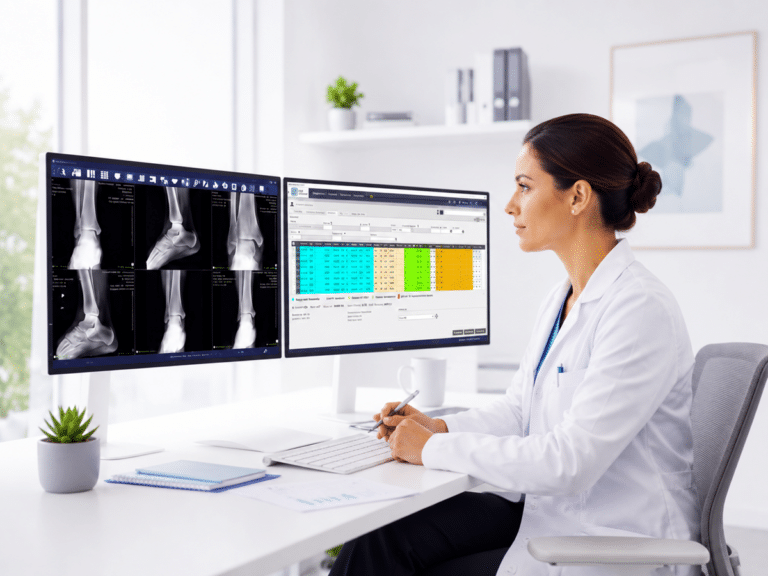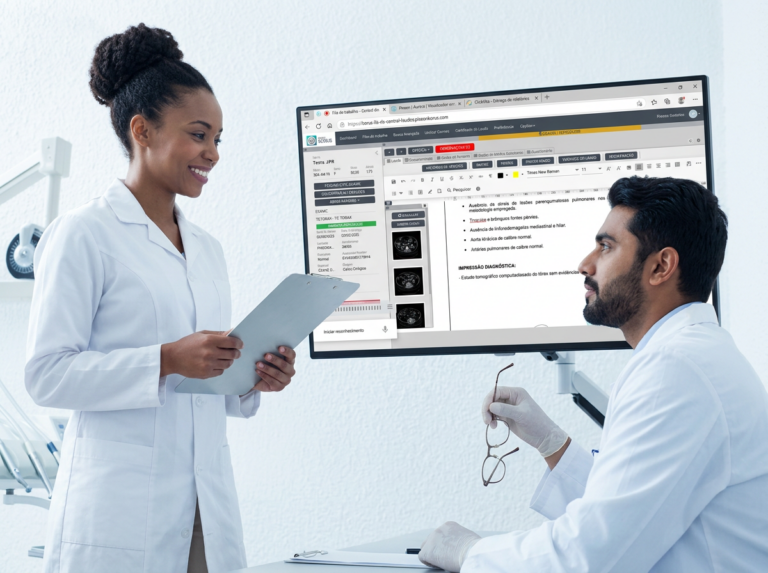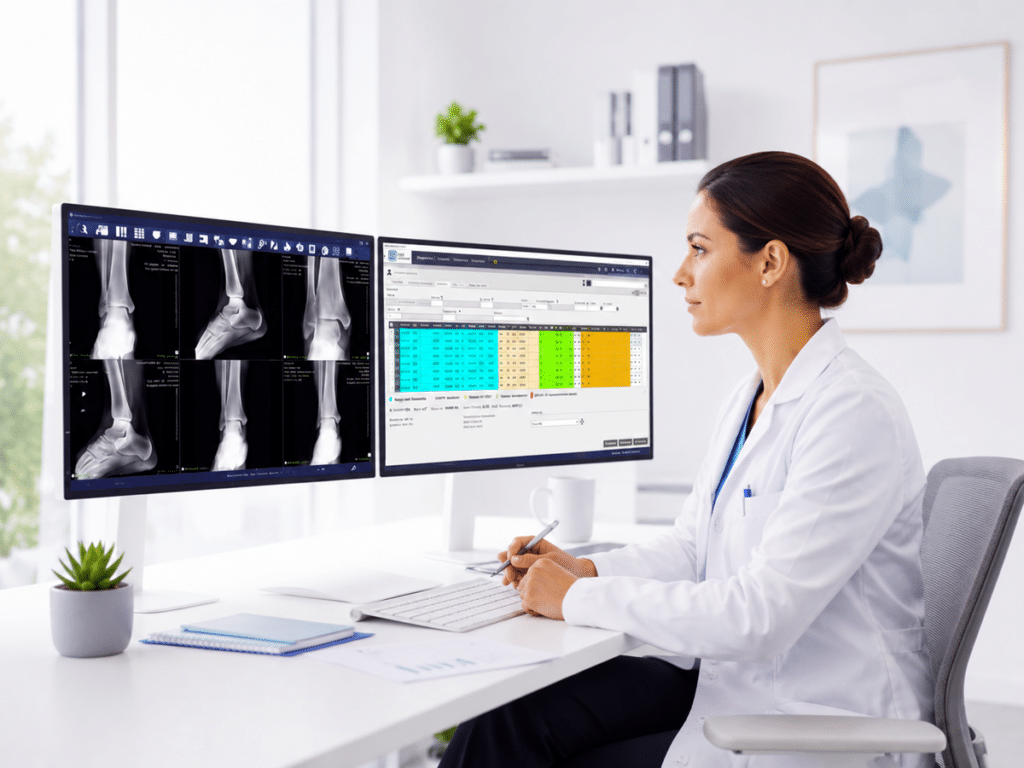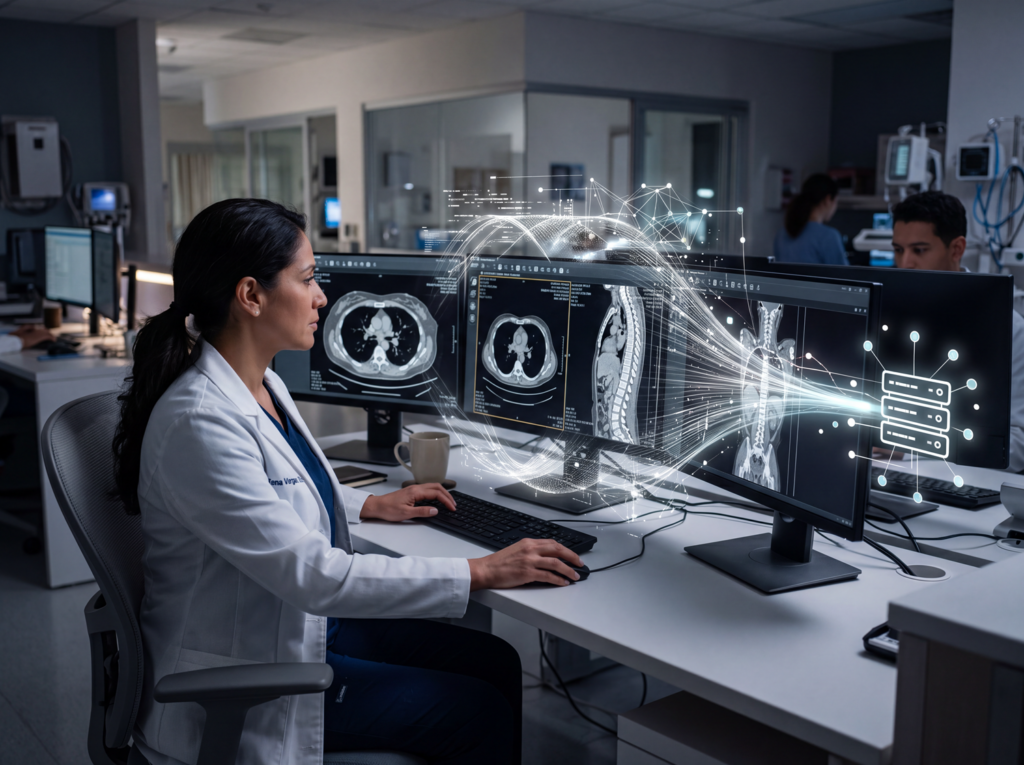



Before modernizing a radiology system, an institution should evaluate image management, report production, history storage, integration between solutions, workflow traceability, the experience of physicians and patients, operational scalability, and the provider’s ability to support growth.
Modernizing Radiology Is Not Just Replacing Software
In many healthcare institutions, radiology modernization begins with an apparently simple question: what software do we need?
However, that question may not be enough.
A radiology service does not operate through a single tool. It works through a complete workflow that includes image capture, visualization, comparison with previous studies, report production, history storage, result delivery, remote access, and operational follow-up.
For this reason, modernizing a radiology system should not be understood as the isolated purchase of software. It should be understood as a strategic decision to improve the entire diagnostic imaging operation.
When the institution evaluates only isolated functionalities, it risks adding new tools without solving the underlying problems: fragmented processes, lack of traceability, dependence on local infrastructure, delays in report delivery, or difficulty scaling.
The most important question is not only which software to implement. The right question is which system the institution needs in order to operate better.
Signs That the Current Radiology System Has Become Limited
An institution may operate for years with the same technological structure. However, as exam volume grows, the demands of physicians and patients change, operational requirements increase, and new modalities are incorporated, the system may begin to show limitations.
Common signs include:
- difficulty quickly accessing medical images;
- manual processes for distributing studies or reports;
- lack of integration between images and reports;
- long turnaround times for result delivery;
- problems consulting previous studies;
- local storage that is increasingly costly or limited;
- growth in image volume without a clear strategy;
- low traceability over the status of each study;
- difficulty working with remote models;
- dependence on CDs, printouts, or physical delivery;
- separate tools that create rework;
- lack of indicators to manage productivity and turnaround times.
When these situations are repeated, the institution is not only facing a technological issue. It is facing an operational limitation that can affect productivity, service quality, and the experience of physicians and patients.
1. Evaluate Medical Image Management
The first point to review is how the institution manages its medical images.
A modern radiology system needs to allow teams to view, organize, distribute, and consult images in an agile way. To achieve this, the PACS plays a central role within the diagnostic imaging workflow.
A PACS in radiology enables digital medical images to be managed and facilitates access to studies within the radiology operation.
Before modernizing, it is worth analyzing:
- Whether the current PACS enables agile work;
- Whether it facilitates comparison with previous studies;
- Whether it supports the current exam volume;
- Whether it enables images to be distributed efficiently;
- Whether it integrates with other workflow solutions;
- Whether it helps reduce manual tasks;
- Whether it offers an adequate experience for radiologists and medical teams.
Image management is the foundation of digital radiology. But it is not the only evaluation criterion.
2. Analyze How Reports Are Produced and Delivered
After the image, a decisive stage follows: the radiology report.
An institution may have good image management and still face delays if report production is not properly organized. For this reason, modernization should also consider how reports are created, reviewed, signed, managed, and delivered.
The Reporting Center makes it possible to centralize the production, review, management, and delivery of radiology reports within a digital environment.
When evaluating this stage, it is worth asking:
- Whether reports are correctly linked to their corresponding studies;
- Whether the workflow allows cases to be prioritized;
- Whether there is traceability over the status of each report;
- Whether the team can work remotely when necessary;
- Whether there are tools that help improve productivity;
- Whether report delivery is agile and digital;
- Whether turnaround times, pending studies, and operational performance can be measured.
Modernizing radiology is not only about improving the image. It is also about improving the path from the image to the final report.
3. Review Medical Image History Storage
Storage is often seen as a technical matter, but in radiology it has clinical and operational impact.
The image history may be necessary to compare current studies with previous studies, review patient history, and support diagnostic continuity. For this reason, storing does not only mean saving files. It means preserving useful information within the care workflow.
When exam volume grows, local storage may begin to require more servers, maintenance, and physical expansions. In this scenario, the institution should evaluate whether it needs a more scalable strategy.
DICOM image storage in the cloud can help reduce exclusive dependence on local infrastructure and support the growth of the radiology history.
Aurora Drive, a complementary Pixeon solution, enables DICOM images to be stored in the cloud to support growth in exam volume and strengthen image history management within the radiology ecosystem.
Before moving forward, the institution should review:
- how much its image volume is growing;
- how much space the current history occupies;
- what costs local infrastructure generates;
- what growth capacity the current model has;
- how previous studies are accessed;
- whether storage integrates with the PACS;
- which security and access policies are needed.
4. Differentiate Storage, Backup, and Disaster Recovery
When discussing the cloud, it is important to avoid confusion.
Storing images in the cloud does not automatically mean having Backup. Nor does it, by itself, mean having a Disaster Recovery strategy.
They are different concepts:
| Concept | What it means |
| Cloud storage | Preserving files or images in a cloud environment to facilitate management, scalability, and access according to the scope of the solution. |
| Backup | A backup copy with specific policies for frequency, safeguarding, versioning, and recovery. |
| Disaster Recovery | A technical strategy to recover systems or operations after critical events or severe interruptions. |
This difference is key to making responsible decisions.
If an institution needs backup or disaster recovery, it must technically validate what the solution includes, what its scope is, what configurations it requires, and which responsibilities correspond to each party.
In the case of Aurora Drive, the correct approach is to communicate it as a solution for storing DICOM images in the cloud. Any statement related to Backup or Disaster Recovery must be technically validated before being used.
5. Evaluate Integration Between Solutions
One of the most common mistakes when modernizing radiology is incorporating tools that solve specific tasks but do not connect with each other.
This can make the operation more digital, but not necessarily more efficient.
An institution may have a PACS, a reporting tool, a storage system, and a digital delivery solution. However, if these solutions do not work within an integrated logic, duplication, rework, delays, or lack of visibility may appear.
Integration matters because it connects key stages:
- Image;
- Report;
- Storage;
- History;
- Delivery;
- Remote work;
- Operational follow-up.
To explore this approach further, you can also read: The difference between buying software and adopting a radiology system.
Modernizing should not mean adding more disconnected pieces. It should mean building a more connected operation.
6. Consider Radiology Workflow Traceability
Traceability makes it possible to know what is happening with each study within the process.
In a modern radiology operation, the institution should be able to identify whether the study has been performed, whether the images are available, whether the report is pending, whether it has been reviewed, whether it has been delivered, and whether the physician or patient can access the result.
When there is no traceability, management depends on manual checks, internal messages, or informal follow-up. This can increase errors, delays, and operational workload.
For this reason, before modernizing, it is worth evaluating whether the system allows the institution to:
- track the status of studies;
- identify pending reports;
- prioritize cases;
- reduce manual tasks;
- visualize bottlenecks;
- measure turnaround times;
- manage productivity;
- improve communication between areas.
Traceability is not only an administrative function. It is a tool for managing the service better.
7. Consider the Physician and Patient Experience
Radiology modernization should also consider the experience of those who receive or consult results.
A radiology workflow may be digitized internally, but if study delivery still depends on physical processes, CDs, printouts, or scattered communications, the experience may remain limited.
Digital result delivery and web access to studies can help reduce friction for referring physicians and patients.
When evaluating modernization, the institution should ask:
- how physicians access images and reports;
- how patients receive their results;
- whether unnecessary physical processes still exist;
- whether digital delivery reduces administrative tasks;
- whether access to studies is clear, secure, and efficient;
- whether the final experience reflects the quality of the service.
A modern operation does not end when the report is ready. It ends when the result can be properly consulted by the person who needs it.
8. Evaluate Whether the System Supports Teleradiology
Teleradiology and remote reporting have become increasingly relevant for institutions that need to expand coverage, optimize specialist availability, or work with distributed teams.
However, teleradiology does not depend only on allowing remote access to an image. It requires a workflow prepared so that the professional can access the study, have sufficient information, produce the report, and maintain traceability throughout the process.
For this reason, an institution seeking to modernize its radiology system should evaluate whether its operation is prepared for remote models.
You can explore this topic in greater depth in the article on teleradiology and remote reporting with Reporting Center.
9. Review Scalability and Future Growth
A radiology system should not be chosen only to solve the current situation. It should also support the institution’s future growth.
Scalability matters when the institution:
- increases its exam volume;
- adds new modalities;
- opens new sites;
- incorporates more professionals;
- extends service hours;
- grows in number of patients;
- needs to preserve more history;
- seeks to reduce dependence on local infrastructure.
Before modernizing, it is worth considering not only what the institution needs today, but also what it will need in the coming years.
A system that does not scale can quickly become a new limitation.
10. Analyze Support, Evolution, and Provider
The choice of a radiology system does not end with implementation.
After adopting a solution, the institution needs support, guidance, updates, training, and the ability to evolve.
For this reason, the provider is also part of the decision.
Before moving forward, it is worth evaluating:
- the provider’s experience in diagnostic imaging;
- knowledge of the healthcare market;
- support capacity;
- guidance during implementation;
- solution evolution;
- integration with other tools;
- availability of complementary solutions;
- long-term vision.
Choosing a radiology system is not only choosing technology. It is choosing a partner to support the operation.
Checklist for Modernizing a Radiology System
| Question | Why it matters |
| Does the current PACS enable agile work? | It affects image visualization, comparison, and distribution. |
| Are reports integrated into the workflow? | It helps improve productivity, traceability, and delivery times. |
| Can storage scale? | It defines whether the institution will be able to grow without depending only on local infrastructure. |
| Are the solutions connected? | It prevents task duplication, manual processes, and operational fragmentation. |
| Is there traceability over the status of each study? | It enables management of pending items, turnaround times, and productivity. |
| Is result delivery digital and efficient? | It improves the experience of physicians and patients. |
| Does the system support teleradiology? | It facilitates remote work models and distributed teams. |
| Can the provider support growth? | It reduces operational risks and enables mid-term evolution. |
This checklist helps move from a decision based on isolated functionalities to a more complete evaluation of the radiology operation.
Pixeon’s Ecosystem for More Modern Radiology
Pixeon offers solutions that can support different stages of the radiology operation.
Pixeon Aurora PACS enables medical images to be managed and viewed. The Reporting Center helps centralize the production, review, management, and delivery of radiology reports. Aurora Drive complements this ecosystem with DICOM image storage in the cloud.
In addition, other complementary solutions can provide web visualization, digitization, distribution, or printing resources, according to each institution’s needs.
This vision allows modernization to be understood not as the purchase of an isolated tool, but as the construction of a more connected, scalable, and efficient radiology system.
From Buying Software to Adopting a Radiology System
The difference between buying software and adopting a system lies in the scope of the decision.
Buying software may solve a specific need. Adopting a system means thinking about how each solution connects with the rest of the operation.
An institution modernizing its radiology should avoid looking at each tool separately. Instead, it should evaluate how PACS, reporting, storage, delivery, teleradiology, and operational management relate to one another.
This comprehensive view makes it possible to build a stronger operation that is prepared to grow.
Conclusion
Modernizing a radiology system is a strategic decision for hospitals, clinics, and diagnostic centers.
It is not only about replacing software. It is about improving image management, organizing report production, scaling storage, connecting solutions, strengthening traceability, and improving the experience of physicians and patients.
Pixeon supports this evolution with solutions such as Pixeon Aurora PACS, Reporting Center, and Aurora Drive, designed to build a more connected, scalable, and efficient radiology operation.
Frequently Asked Questions about Radiology System Modernization
What does it mean to modernize a radiology system?
Modernizing a radiology system means improving the way an institution manages images, reports, storage, result delivery, traceability, and the operational workflow.
When should an institution modernize its radiology?
It should be evaluated when there are delays, manual processes, disconnected tools, storage problems, difficulty accessing the history, or limitations to growth.
What role does the PACS play in radiology modernization?
The PACS enables medical images to be managed, viewed, stored, and distributed within the diagnostic imaging workflow.
Why is the Reporting Center important?
Because it helps centralize the production, review, management, and delivery of radiology reports, improving traceability and productivity in the diagnostic process.
Why should storage be evaluated during modernization?
Because growth in medical image volume may require a more scalable strategy to preserve and manage the radiology history.
What does Aurora Drive provide?
Aurora Drive enables DICOM images to be stored in the cloud, helping reduce dependence on local infrastructure and support the growth of the exam history.
Does the cloud replace the PACS?
No. Cloud storage can complement the PACS, but it does not replace its role in managing, viewing, and distributing medical images.
What is the difference between software and a radiology system?
Software can solve a specific task. A radiology system connects different solutions to improve the full workflow of the operation.
Does modernization support teleradiology?
Yes, when the system enables integrated access to images, reports, history, and traceability, it can facilitate remote reporting and teleradiology models.
What should an institution evaluate before choosing a provider?
It should evaluate healthcare experience, support, integration, solution evolution, knowledge of the radiology workflow, and the ability to support institutional growth.
About Pixeon
Pixeon is the company with the largest software portfolio for the healthcare market.
Our solutions serve hospitals, clinics, laboratories, and diagnostic imaging centers, covering both management (HIS, CIS, RIS, and LIS) and diagnostic processes (PACS and Laboratory Interface), ensuring high performance and top-tier management in healthcare institutions.
The HIS/CIS software for hospitals and clinics, Pixeon Smart, is a complete solution that integrates the entire institution into a single system. It is also certified with the highest level of digital maturity by SBIS (Brazilian Society of Health Informatics). We already have over 3,000 clients in Brazil, Argentina, Uruguay, and Colombia, serving millions of patients annually through our platforms.
Want to know if Pixeon’s technologies offer everything you’ve always wanted for your hospital or clinic? Request a commercial consultation and be amazed by everything our management system can provide!